

Want to make your Angular app more dynamic? Try adding some animations. Let’s try the angular-animations library:
https://github.com/filipows/angular-animations
A little demonstration of what we will make today:
Skill Prerequisites
- Fundamental HTML and CSS knowledge
- Experience wiht Angular 2+ and TypeScript
Procedure
Let’s install Node and npm to get our environment set up
- Node: https://nodejs.org/
- npm: https://www.npmjs.com/
Now we will install the Angular CLI tool
npm install -g @angular/cli
Create a project
ng new animate
Enter the project directory
cd animate
Run the local development server
ng serve
Check localhost:4200 in your browser
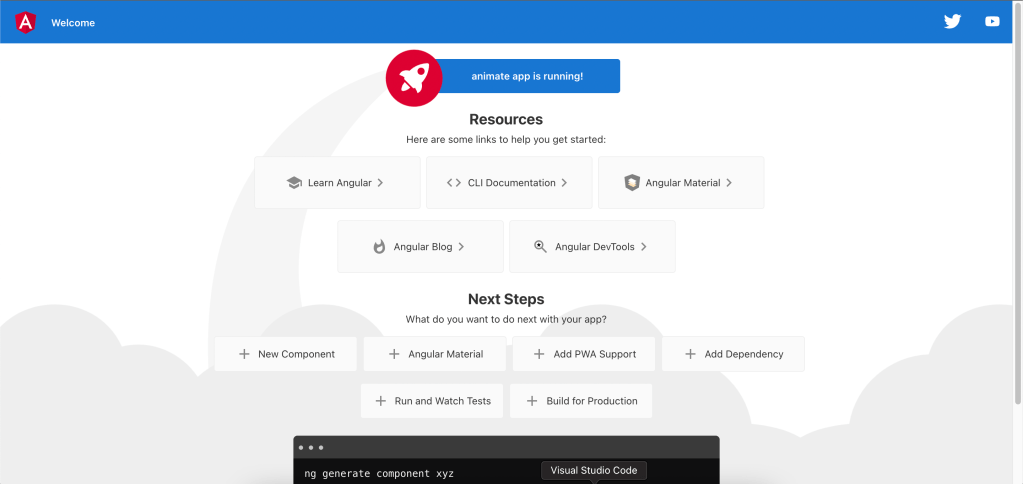
Let’s make sure we have the most recent native animations library from Angular installed
npm i @angular/animations@latest --save
Now we will add the BrowserAnimationsModule in our Modules file
app.module.ts
import { NgModule } from '@angular/core';
import { BrowserModule } from '@angular/platform-browser';
import { BrowserAnimationsModule } from '@angular/platform-browser/animations';
import { AppComponent } from './app.component';

@NgModule({
  declarations: [
    AppComponent
  ],
  imports: [
    BrowserModule,
    BrowserAnimationsModule
  ],
  providers: [],
  bootstrap: [AppComponent]
})
export class AppModule { }
Now we’ll add the npm library
npm i angular-animations --save
We’ll show some icons and attach unique animations to each of them. The animations will be triggered by a click.
app.component.ts
import { Component } from '@angular/core';
import { bounceAnimation, flashAnimation, heartBeatAnimation, pulseAnimation, rubberBandAnimation, swingAnimation } from 'angular-animations';

@Component({
  selector: 'app-root',
  templateUrl: './app.component.html',
  styleUrls: ['./app.component.scss'],
  animations: [
    rubberBandAnimation(),
    bounceAnimation(),
    pulseAnimation(),
    swingAnimation(),
    heartBeatAnimation(),
    flashAnimation()
  ]
})

export class AppComponent {
  public rubberState = false;
  public bounceState = false;
  public pulseState = false;
  public swingState = false;
  public heartBeatState = false;
  public flashState = false;

  trigger(event: any) {
    switch(event.srcElement.innerText) {
      case '🧊':
        this.rubberState = !this.rubberState;
        break;
      case '🍒':
        this.bounceState = !this.bounceState;
        break;
      case '🔮':
        this.pulseState = !this.pulseState;
        break;
      case '💎':
        this.swingState = !this.swingState;
        break;
      case '🎈':
        this.heartBeatState = !this.heartBeatState;
        break;
      case '✨':
        this.flashState = !this.flashState;
        break;
    }
  }
}
app.component.html
<div class="emoji" [@rubberBand]="rubberState" (click)="trigger($event)">🧊</div>
<div class="emoji" [@bounce]="bounceState" (click)="trigger($event)">🍒</div>
<div class="emoji" [@pulse]="pulseState" (click)="trigger($event)">🔮</div>
<div class="emoji" [@swing]="swingState" (click)="trigger($event)">💎</div>
<div class="emoji" [@heartBeat]="heartBeatState" (click)="trigger($event)">🎈</div>
<div class="emoji" [@flash]="flashState" (click)="trigger($event)">✨</div>
app.component.css
.emoji {
    cursor: pointer;
    font-size: 100px;
    margin-left: 10%;
}
Here is the final result






 The Computer Chick