

If you use Angular, here’s a simple trick using ng-template to show a temporary loader before your data arrives:
https://angular.io/api/core/ng-template
This indicates to the user that data will be displayed soon in an intuitive way.
Today, we’ll try it out and use a Progress Spinner from the Angular Material component library:
https://material.angular.io/components/progress-spinner/overview
Okay let’s go!
Procedure
First let’s make sure we have the latest Node and npm installed on our system. Download them here:
- Node: https://nodejs.org/
- npm: https://www.npmjs.com/
Next we’ll set up our Angular project. Install the Angular CLI tool
npm install -g @angular/cli
Generate a new project
ng new loader
Change to the directory of the newly-created project
cd loader
Add Angular Material
ng add @angular/material
Run the local dev server
ng serve
Check localhost:4200 in your browser
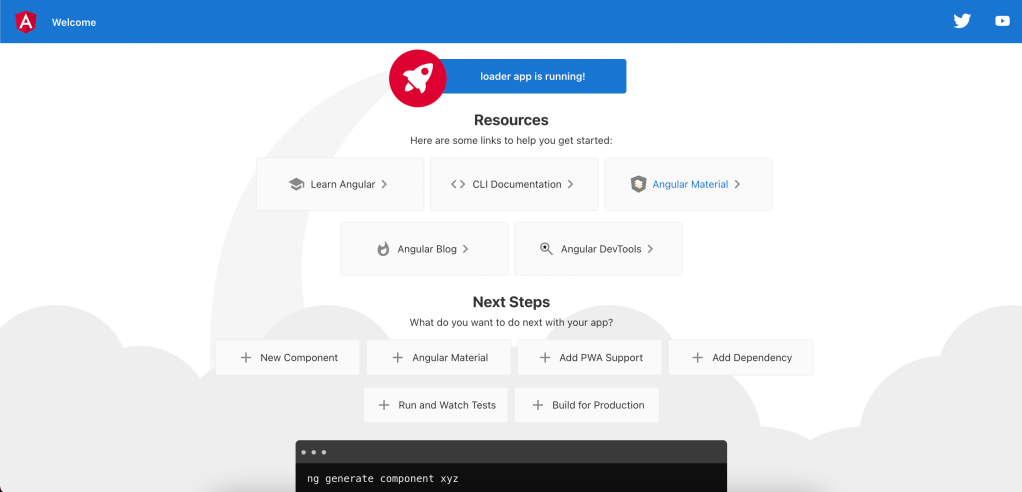
Let’s add the progress spinner in our module file:
app.module.ts
import { NgModule } from '@angular/core';
import { MatProgressSpinnerModule } from '@angular/material/progress-spinner';
import { BrowserModule } from '@angular/platform-browser';
import { AppComponent } from './app.component';

@NgModule({
  declarations: [
    AppComponent
  ],
  imports: [
    BrowserModule,
    MatProgressSpinnerModule
  ],
  providers: [],
  bootstrap: [AppComponent]
})
export class AppModule { }
Now declare and initialize the incoming data. We’ll set a timeout of 3 seconds to simulate a delay:
app.component.ts
import { Component, OnInit } from '@angular/core';

@Component({
  selector: 'app-root',
  templateUrl: './app.component.html',
  styleUrls: ['./app.component.scss']
})
export class AppComponent implements OnInit {
  public slowThing = '';

  ngOnInit() {
    // This slow data takes 3 seconds to arrive
    setTimeout(() => this.loadSlowThing(), 3000);
  }

  public loadSlowThing(): void {
    this.slowThing =
      `Lorem ipsum dolor sit amet, consectetur
      adipiscing elit, sed do eiusmod tempor
      incididunt ut labore et dolore magna aliqua.`;
  }
}
Now add the HTML template. We will have the progress spinner defined in the ng-template, which only displays before the data is loaded:
app.component.html
<div *ngIf="slowThing; else loadingIndicator" class="data">
  {{ slowThing }}
</div>

<!-- Temporary HTML element to show before data loads -->
<ng-template #loadingIndicator>
  <mat-spinner style="margin:1rem;"></mat-spinner>
</ng-template>
Now add some style:
app.component.css
.data {
    width: 300px;
    margin: 1rem;
}
Here is the result:






 The Computer Chick