

Are you looking to add interactive maps to your React project? Look no further than the react-leaflet library! In this blog post, we will walk you through the steps to set up and use this powerful library in your React project.
Setting up react-leaflet
To get started, you will need to install the react-leaflet library in your React project. You can do this by running the following command in your terminal:
npm install react-leaflet leaflet
Once the installation is complete, you can import the necessary components in your React project. Make sure to import the MapContainer and TileLayer components from the react-leaflet library:
import { MapContainer, TileLayer} from 'react-leaflet';
Using react-leaflet
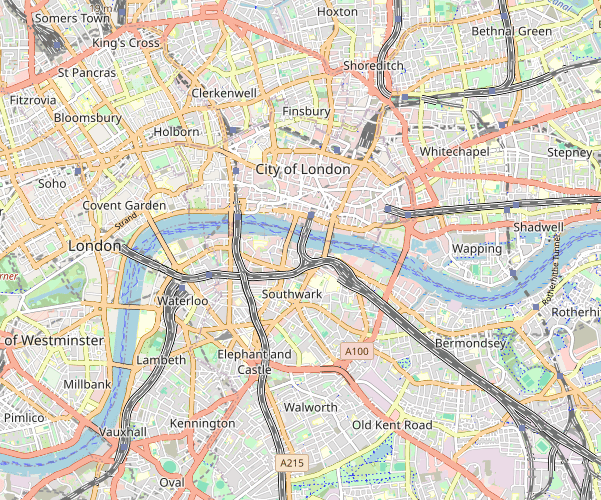
Now that you have set up the react-leaflet library in your React project, it’s time to start using it to create interactive maps. You can use the MapContainer component to render a map with a specified center and zoom level:
<MapContainer center={[51.505, -0.09]} zoom={13}>
  <TileLayer url="https://{s}.tile.openstreetmap.org/{z}/{x}/{y}.png" />
</MapContainer>
You can customize the map by adding different TileLayer options and markers. The react-leaflet library also provides various other components and functionalities to enhance the interactivity of your maps.
Conclusion
In conclusion, the react-leaflet library is a powerful tool for adding interactive maps to your React project. By following the steps outlined in this blog post, you can easily set up and use the react-leaflet library to create stunning maps for your web application. So why wait? Start exploring the possibilities of react-leaflet today!

 The Computer Chick